Help customers find the right restaurant, filter by cuisine or features, and open a location for menus, hours, ratings, and directions.

Use the sample map to search by city or ZIP code, filter restaurants by cuisine and features, and open a location to see the details customers need before they visit. The example shows how a restaurant brand can bring its locations, menus, hours, and directions together in one place.
**This is just a sample map.** Want help creating a store locator like this, or even better? Book a free call and we'll help you plan the best setup for your brand.
Book setup callCuisine and features can make the difference between a useful result and a long list of locations. Let visitors filter for options such as delivery, reservations, outdoor seating, late-night hours, or a particular cuisine.
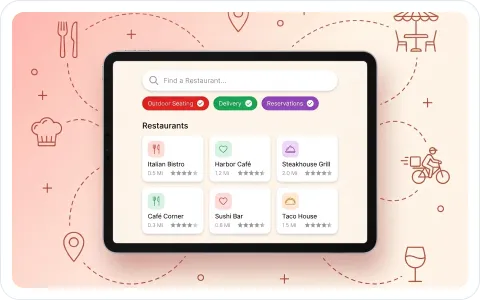
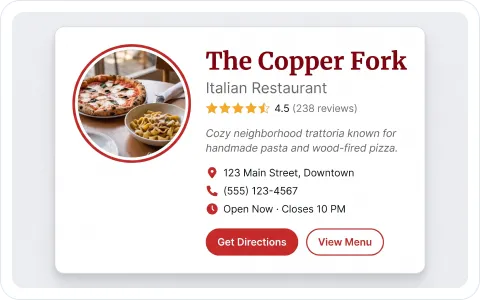
Show the information customers look for before they leave home. A restaurant listing can include the address, phone number, opening hours, menu link, rating, description, and directions.
Use one locator for multiple restaurants, cafés, franchises, or other food locations. Keep each listing clear while giving the whole experience a consistent brand and layout.
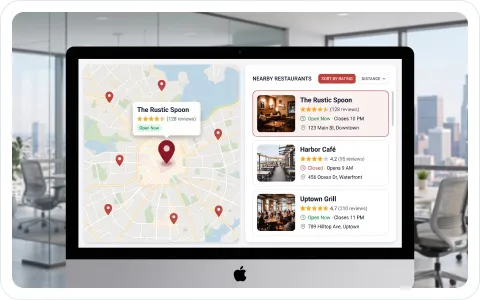
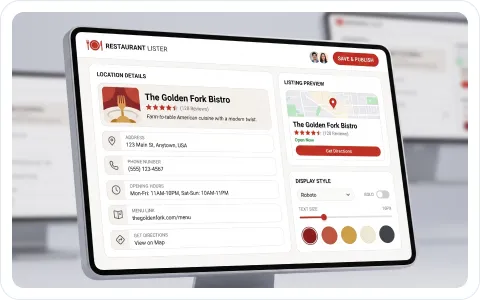
Make the next action obvious. Add directions, a menu link, a reservation link, or a phone number so customers can move from browsing to visiting without searching your site again.

Thousands of businesses rely on Storemapper to
help customers find their products and services.
It’s easy to install, customizable, and proven to drive more sales.
A 5201 Eden Ave Suite 300Edina, MN 55436


