Explore store locator setups built for different kinds of businesses.

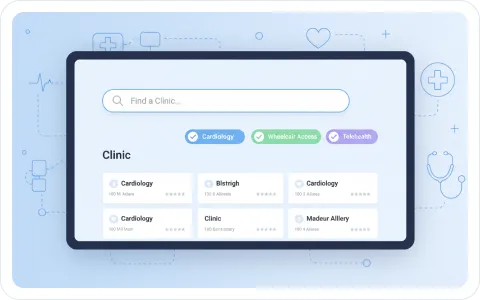
This sample clinic locator shows how a healthcare network can organize locations and make important details easier to find. Search by city or ZIP code, filter by care type, then open a clinic to see its address, contact details, doctors, and appointment information.
People looking for care often need more than an address. A clinic locator can show the services available at each location, the doctors who work there, opening hours, contact details, and the link or phone number used to request an appointment.
Search by city or ZIP code and use filters to find a clinic that matches the visit. Filters can help visitors find a specific specialty, a service such as imaging, or a practical option such as telehealth or wheelchair access.
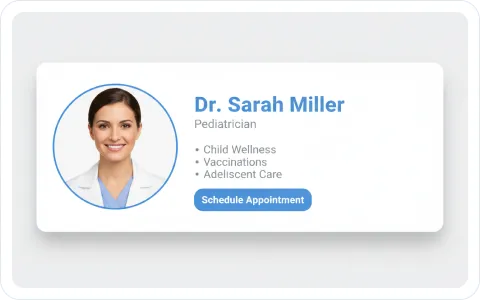
When a visitor opens a location, show the information that helps them decide what to do next. The clinic detail can include available doctors, specialties, a short profile, contact information, and an appointment link.
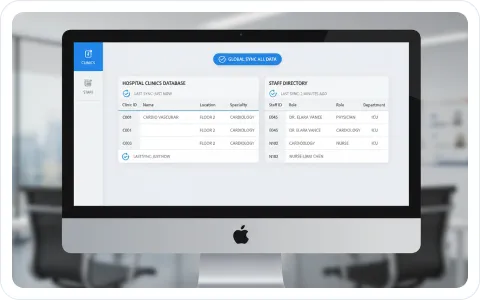
Your clinic information changes over time. Keep location details, services, doctors, and appointment links together so visitors see the same information in the list, on the map, and in the location view.
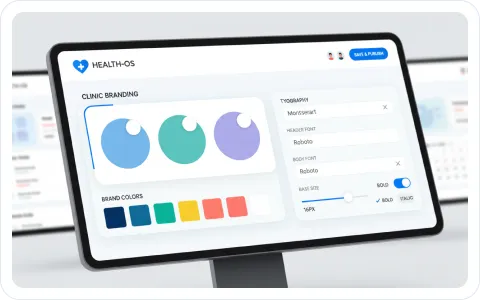
Match the locator to your website with your logo, colors, imagery, and the fields that matter to your patients. A clear, branded experience feels like part of the care journey instead of a separate directory.

Thousands of businesses rely on Storemapper to
help customers find their products and services.
It’s easy to install, customizable, and proven to drive more sales.
A 5201 Eden Ave Suite 300Edina, MN 55436


